Start with one section, not a whole course
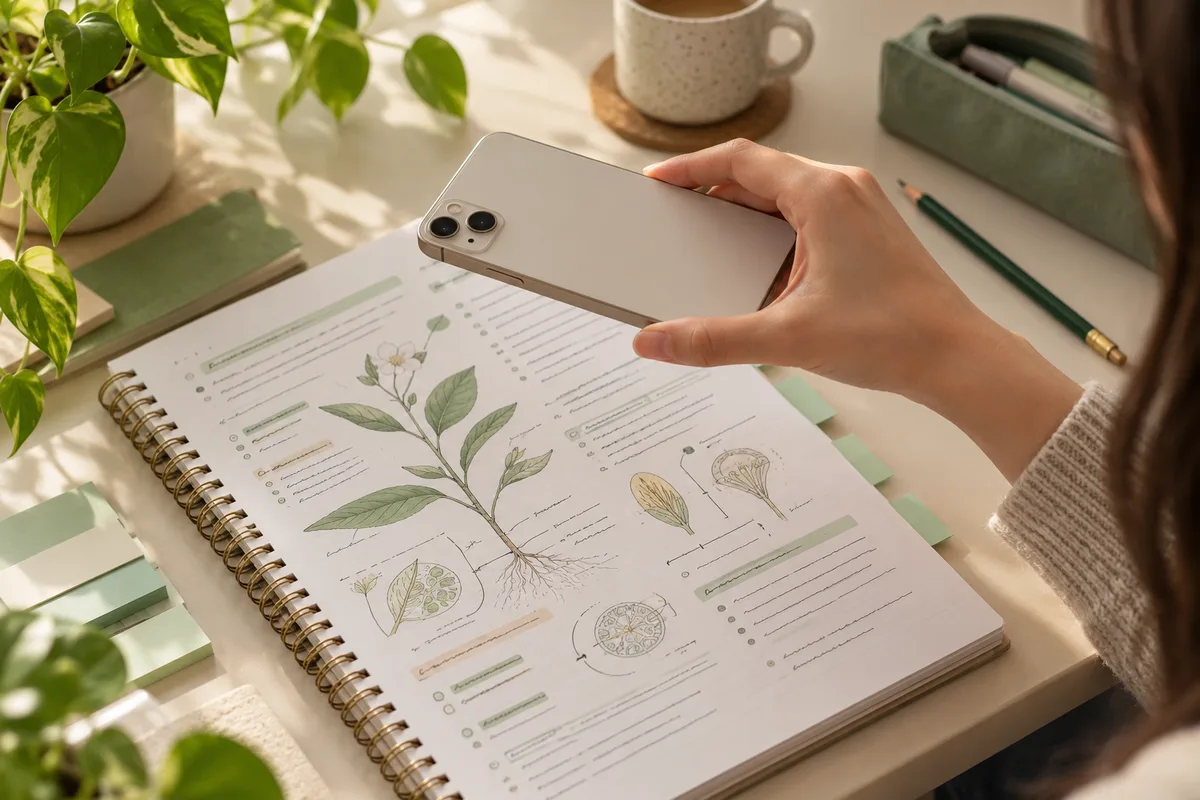
Pick material that belongs together: one lecture, a textbook subsection, or a page on a single concept. A small set is easier to check, and its result tells you something specific about what needs another look. Save a separate set for a different chapter.
For example, a biology page might include cell structures, photosynthesis and genetics. Begin with cell structures. Combining every topic immediately makes it harder to tell whether a missed answer came from a knowledge gap or an unclear question.
- Keep definitions with the conditions that make them true.
- Include examples your teacher emphasized.
- Leave out crossed-out, incomplete or contradictory notes until you check them.
Turn facts into questions you can actually answer
Choose one thing to test per question. A useful prompt asks for a definition, a difference, a cause, an example, or the next step in a process. Avoid a broad question such as ‘Explain everything about cells.’ It is difficult to judge whether that answer is complete.
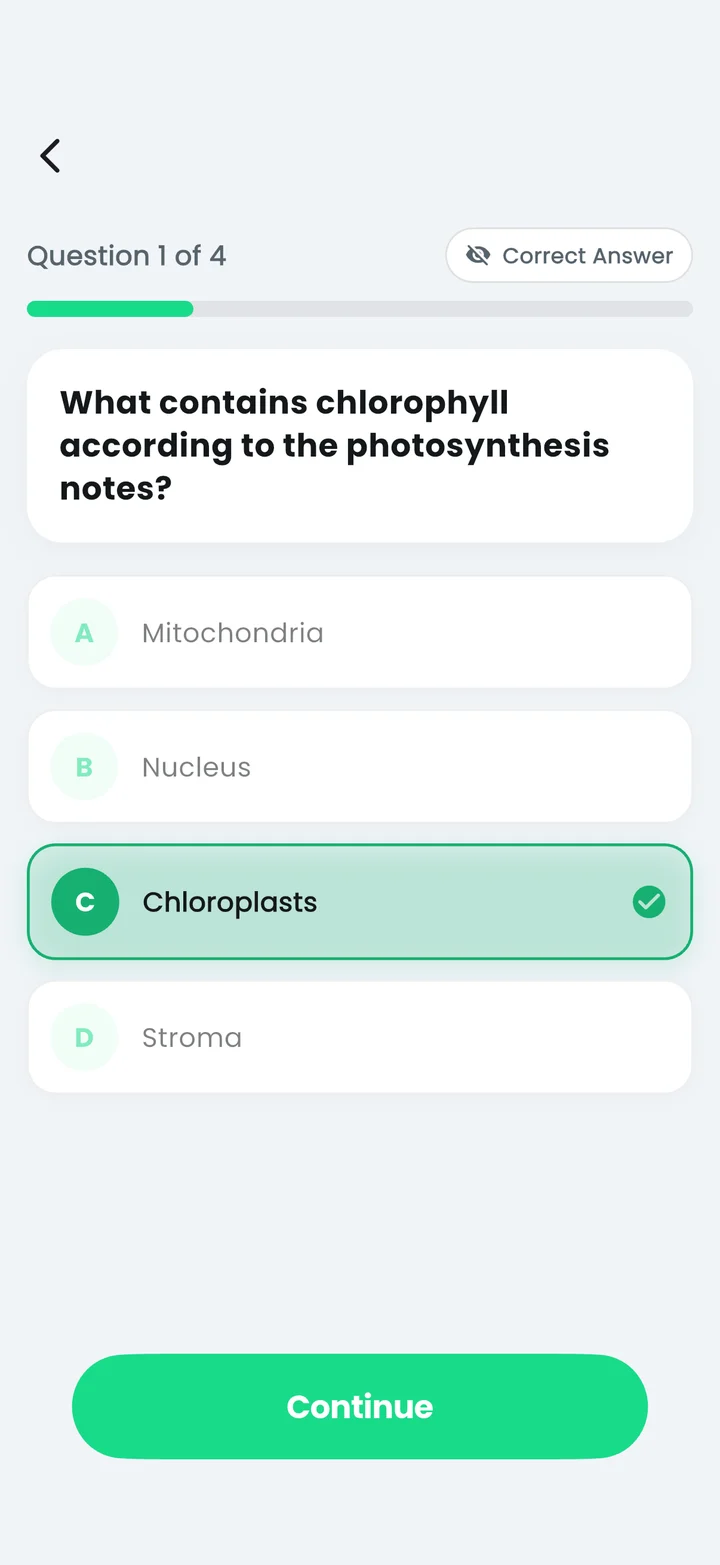
From ‘mitochondria release usable energy for cells,’ you could ask ‘Which organelle releases usable energy for the cell?’ For a multiple-choice question, use alternatives from the same category. Mixing organelles with unrelated words makes the answer obvious for the wrong reason.
Create a first draft in Quizziz
For typed notes, enter a focused topic or paste the relevant text into the app's quiz creation flow. For paper notes, use Scan Photo and choose a clear photo from the camera or gallery. Select the supported question style and difficulty, then generate a draft.
Quizziz supports multiple-choice and true-or-false questions. Choose the format that matches the material. A true-or-false statement can check a precise distinction; multiple choice can help you separate several related concepts. Neither format automatically proves that you can explain the answer in your own words.
Check the draft before testing yourself
Read each question without looking at its marked answer. Is there exactly one defensible answer? Does the wording depend on information missing from the notes? Check names, units, dates and calculations. AI can produce a plausible-looking mistake, so a generated answer key is not an independent source.
Edit ambiguous wording and remove duplicate questions. If the source has only a few distinct facts, keep a shorter quiz instead of repeating the same fact with different phrasing. Save the reviewed set to a named collection so you can find it later.
Use the result to choose your next review
Take the quiz with your notes closed, then return to the questions you missed. Explain why the correct choice fits and why your original choice does not. If you guessed correctly, treat that question as something to revisit too.
Study the same saved set as flashcards when you want to recall an answer without a list of choices. If you need a paper copy, export the reviewed quiz as a PDF. Keep the original notes nearby when preparing a test for someone else; the export does not verify its content.
Feature references: Quizziz on the App Store and Google Play, checked October 20, 2026. This guide is published by the app’s developer.
Put your notes to work.
Make a draft, check it, and practice in Quizziz.
Free download. In-app purchases; access options and prices are shown in the app.