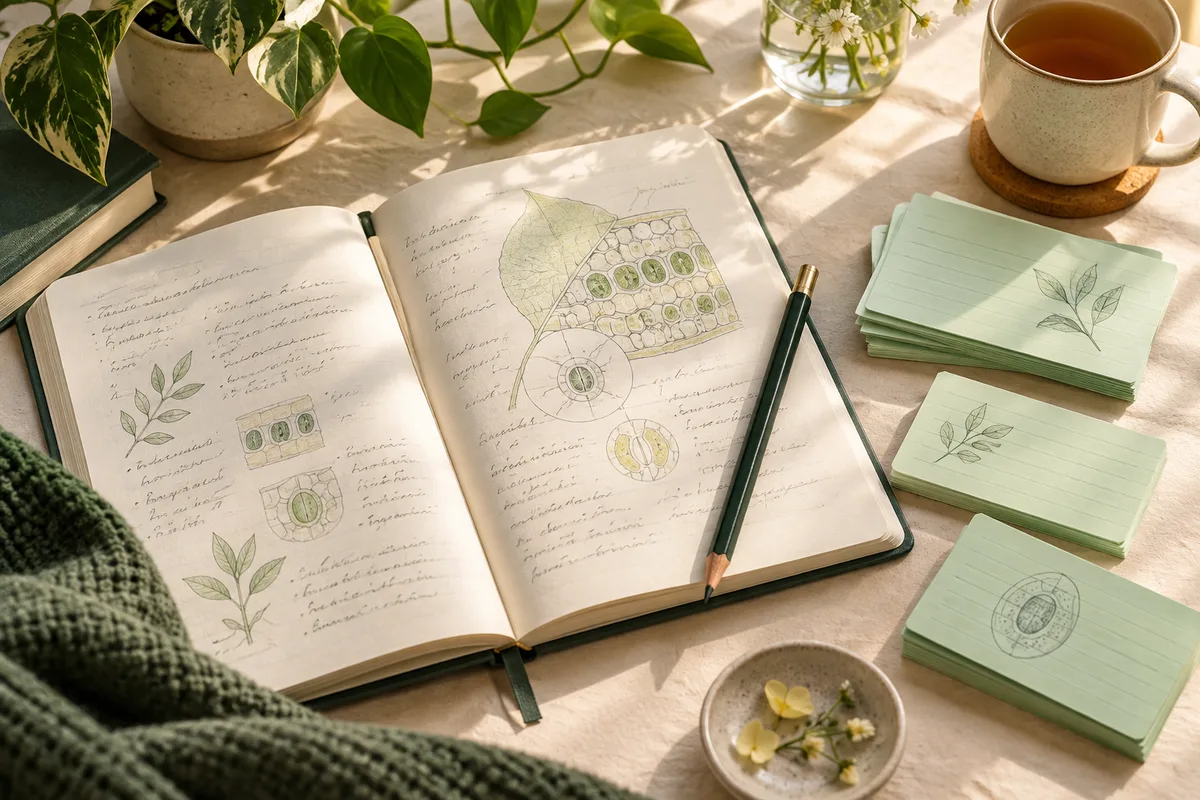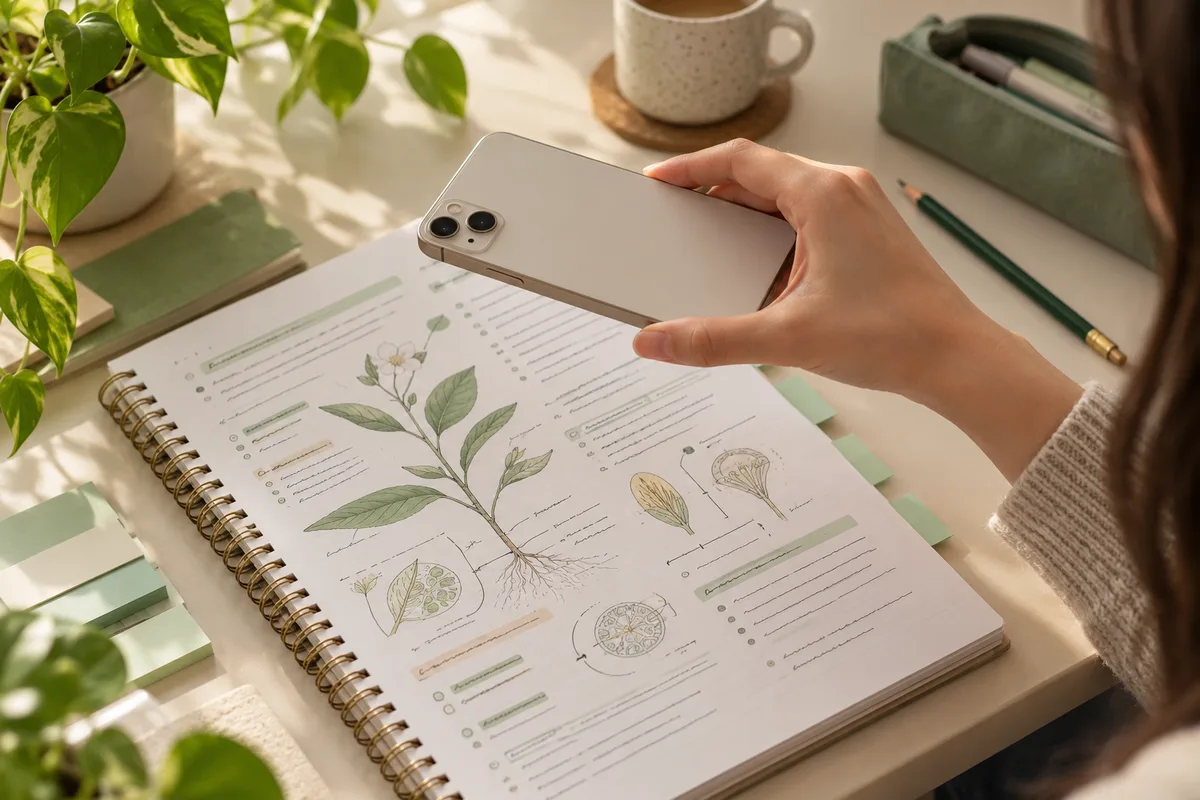
Photograph the information you want to practice
Place the page flat and hold the camera roughly parallel to it. Use even light, keep your shadow off the writing, and make sure the important lines are in focus. A close, readable section is more useful than a wide photograph of several pages.
Keep the heading and any conditions needed to understand the material. Cropping away ‘except,’ a unit label or a diagram key can change the meaning. Remove unrelated personal details from the frame before sending study material to an online service.
- Check the smallest text at full size before generating.
- Avoid glare on glossy textbook pages.
- Retake blurred or heavily skewed photos.
- Use material you are permitted to photograph and process.
Use the camera or an existing photo
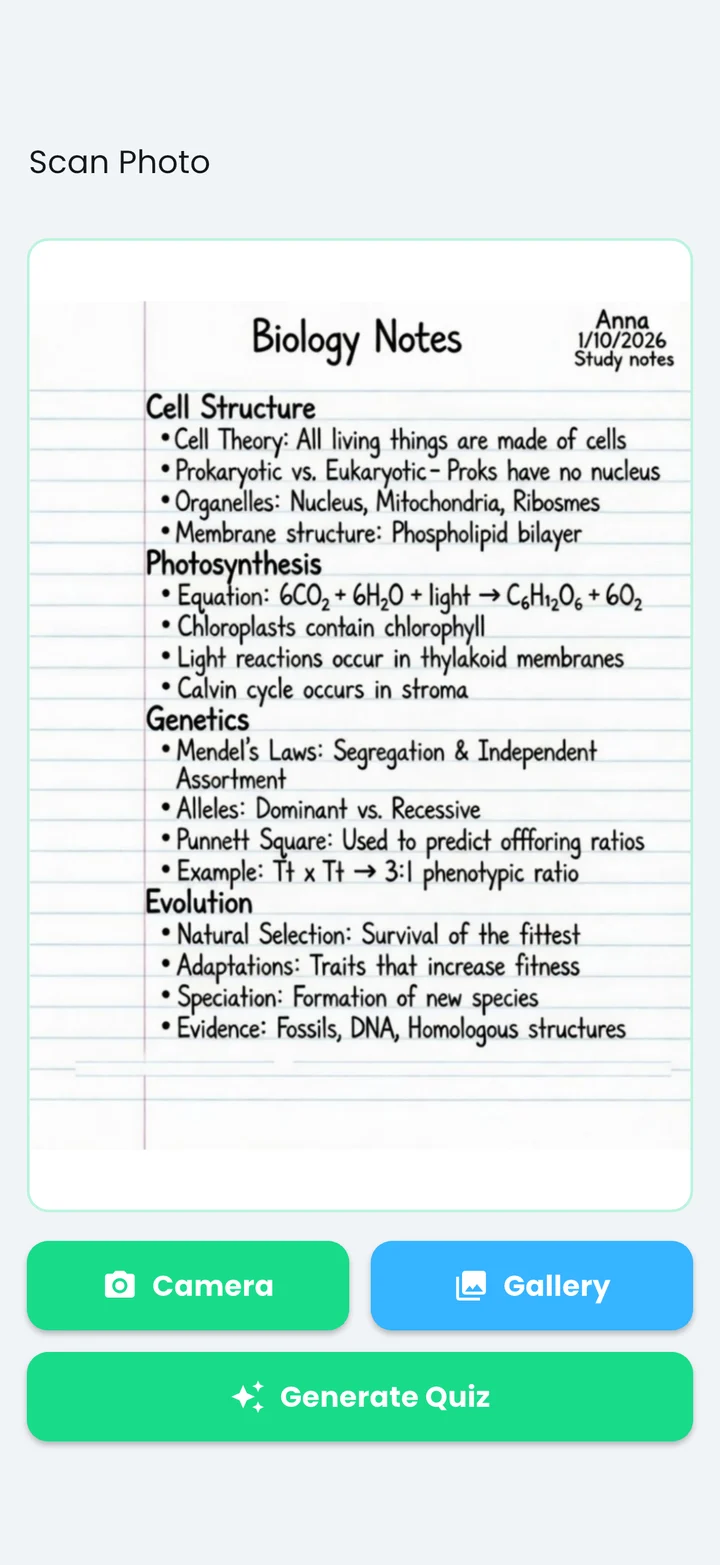
In Quizziz, open Scan Photo. Camera lets you take a new picture; Gallery lets you choose an existing image. Check the preview before selecting Generate Quiz. The app sends the image for AI processing, so generation requires an internet connection.
The app's sample Biology Notes image shows the kind of source page a quiz can use. It is a prepared example, not proof that every handwritten page or diagram will be read correctly. Small annotations, equations, arrows and crossed-out text deserve particular attention when you check your own result.
Check what the questions say about the page
Keep the photo open while reviewing the generated draft. Match each question to a line, label or clear idea in the source. If a question introduces a detail absent from your notes, check it in your textbook or remove it from the set.
Watch for visually similar characters, missing negatives and mixed-up labels. For example, a page that distinguishes the stroma from the thylakoid membrane should not produce an answer key that swaps them. Review the concept rather than accepting the answer because it is marked correct.
Fix the source when the output is hard to check
If the whole result is confused, retake a smaller, clearer photograph. If only one line is unreadable, type that section into the text creation flow instead. Generating a longer set repeatedly from the same blurred page is unlikely to fix the source problem.
If you cannot reliably interpret a dense diagram, build a few manual questions from its checked labels. AI assistance can save transcription time, but you still decide which facts belong in the study set.
Save one set and study it in two ways
After checking the draft, save it to a collection with a useful topic name. Practice it as a quiz, then use flashcards to try recalling answers before revealing them. Return to missed cards when you want a focused review.
This workflow starts with a photo in the native app. This guide does not upload or process images in the browser, and it does not promise direct PDF, audio or video import. To use text from another document, copy a readable excerpt or photograph the section you need.
Feature references: Quizziz on the App Store and Google Play, checked October 20, 2026. This guide is published by the app’s developer.
Put your notes to work.
Make a draft, check it, and practice in Quizziz.
Free download. In-app purchases; access options and prices are shown in the app.